DBT Challenge
Overview
DBT Challenges evaluate a candidate's proficiency in building, managing, and testing data transformation pipelines using dbt (data build tool) models. These challenges focus on modern analytics engineering workflows.
Configuration Process
Creating a DBT challenge follows a guided workflow to define the data environment and technical parameters.
Step 1: Define Purpose
Determine the primary objective of the challenge:
- Hiring Purpose: Used in Assessments and Contests to evaluate external candidates.
- Learning Purpose: Used in Courses for internal employee upskilling and knowledge validation.
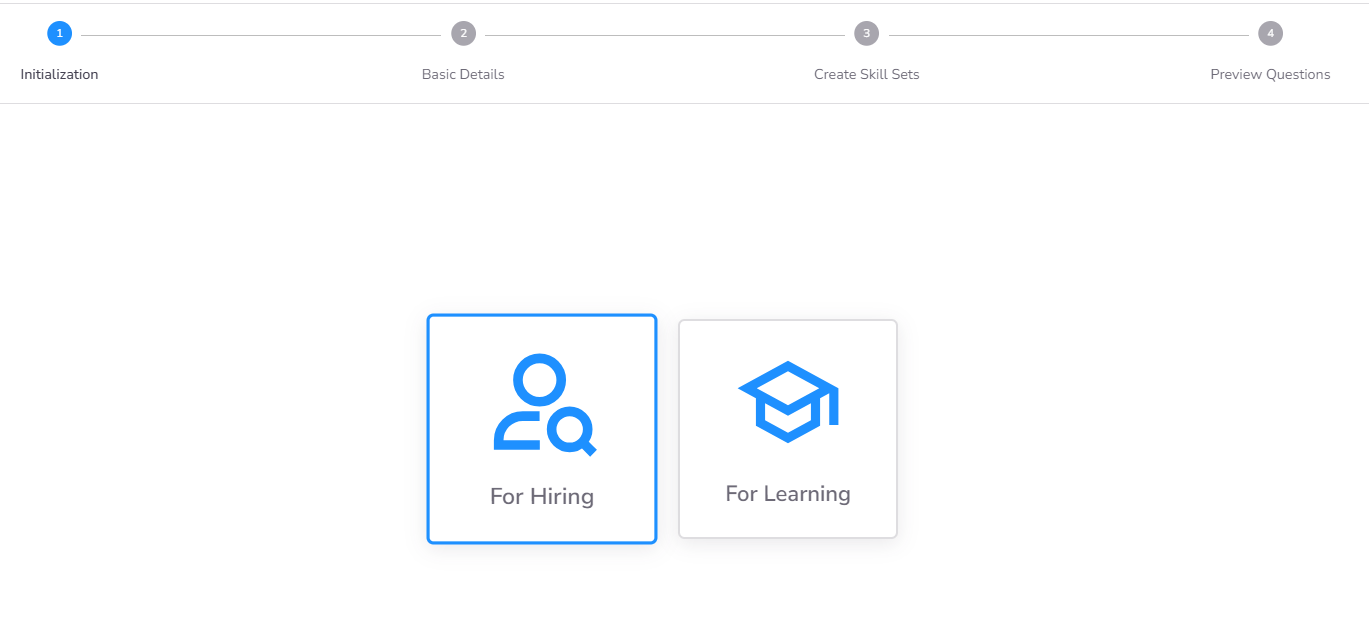
Step 2: Basic Details & Evaluation Criteria
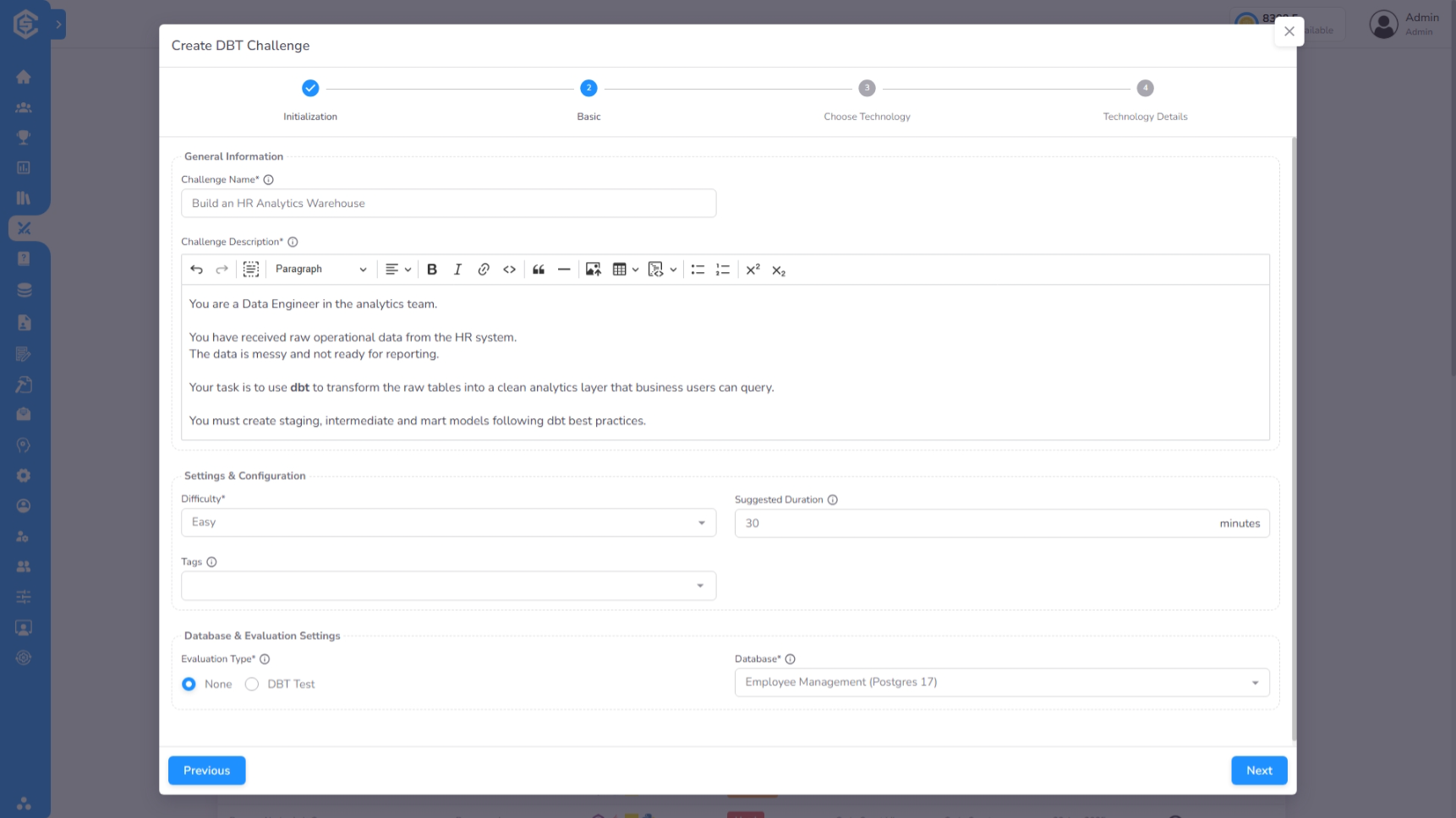
In this step, you define the core properties of the DBT challenge:
- Challenge Metadata: Provide a clear Name, Description, Difficulty, Duration, and Tags to help candidates and library users identify the task.
- Database Connection (Mandatory): Select the source Database that will provide the raw data for the transformation workflows.
- Evaluation Type: Select how the candidate's work will be validated:
- DBT Test: Automatically evaluate the candidate's models using defined dbt tests.
- None: For manual review and evaluation.
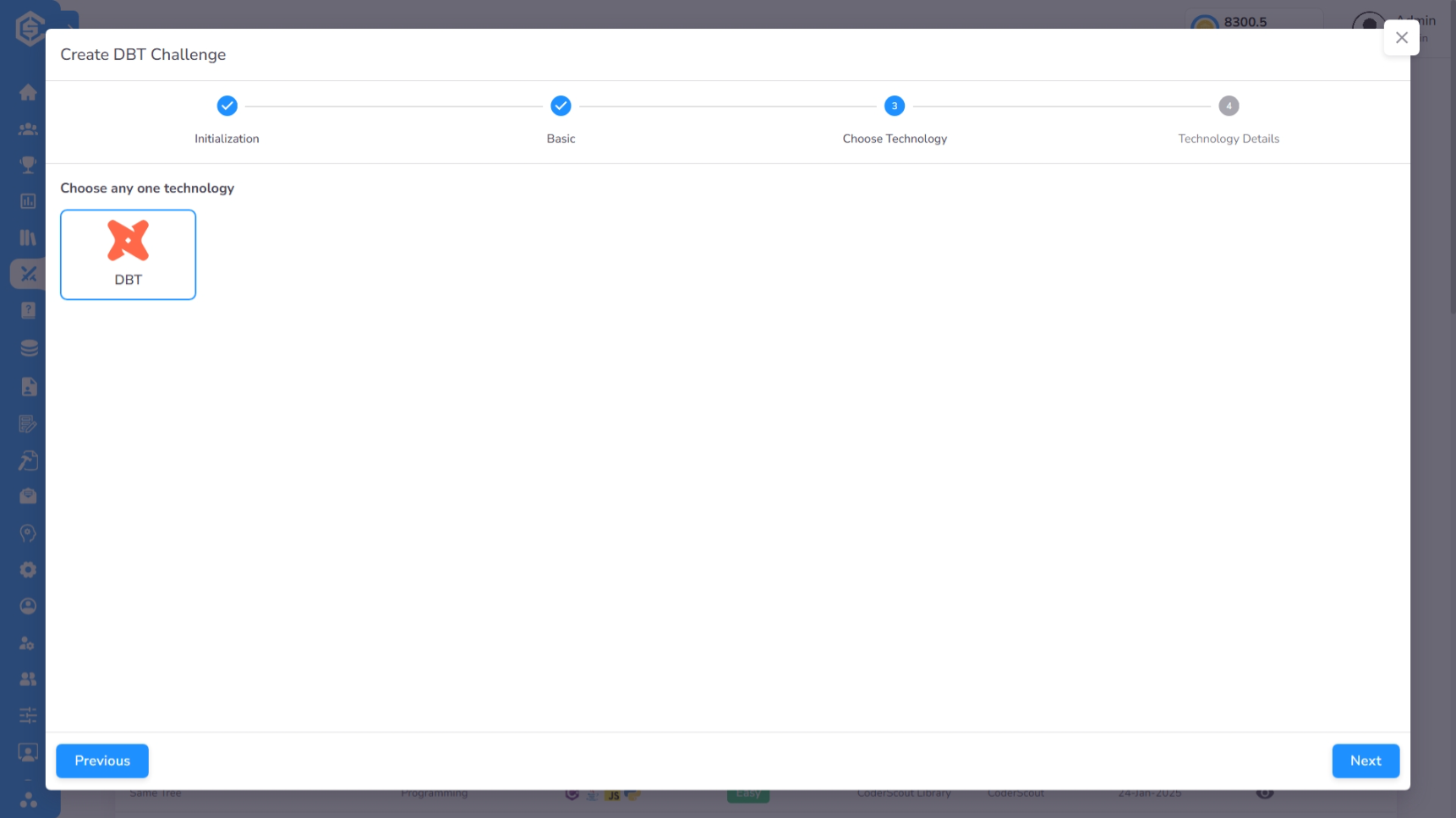
Step 3: Technology Selection
Select the orchestration framework for the challenge. Currently, DBT is the supported technology, providing a standardized environment for transformation tasks.
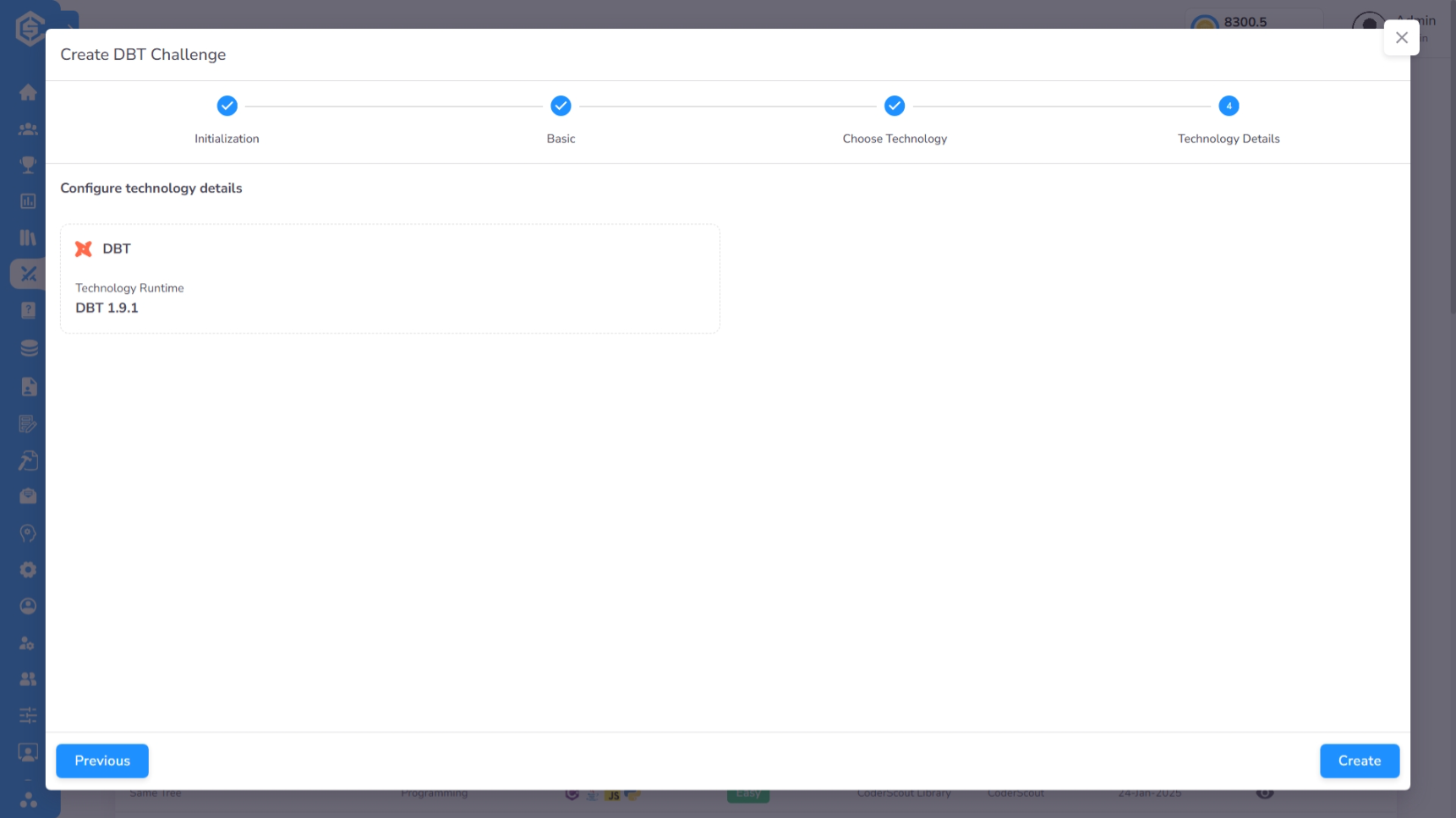
Step 4: Technology Runtime Details
Review the technical configuration for the dbt environment.
Post-Creation: Environment & Boilerplate Setup
Once the challenge is created, you will be redirected to the Challenge General Details Page. Navigate to the Code tab to finalize the technical setup.
Preparing the DBT Project
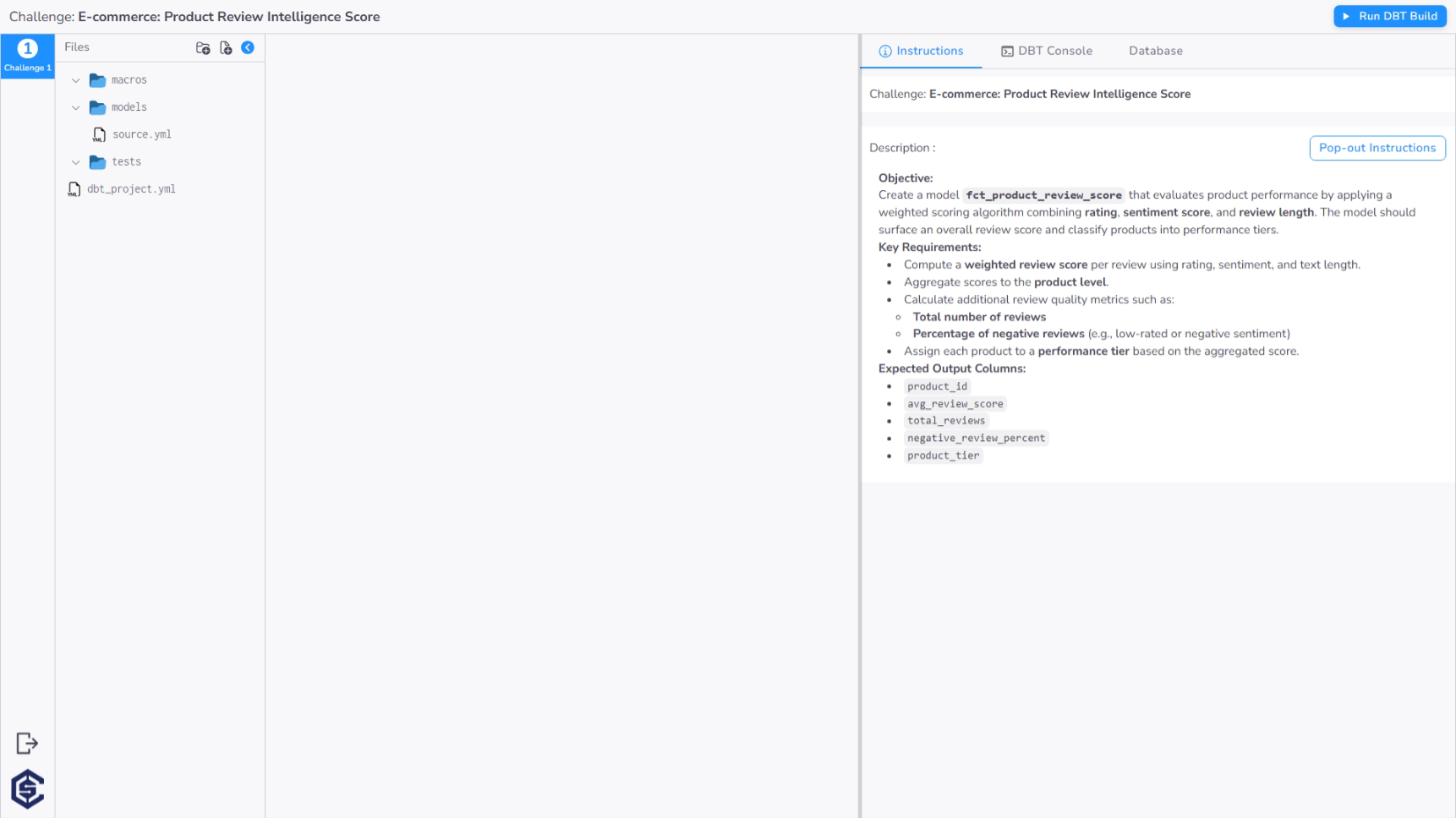
The Edit Code interface provides a full-featured workspace to prepare the dbt project:
- Boilerplate Code: Upload or initialize the starting dbt project structure, including models, schemas, and properties files.
- Integrated Tools: The right-hand panel provides essential utilities:
- Instructions: Review the problem statement and requirements.
- DBT Console: Execute dbt commands (e.g.,
dbt run,dbt test) to verify the environment. - Database Tab: Browse the schema of the linked database and execute SQL queries to validate data states.
Next steps
- Manage database environments →
Databases