Microsoft Teams integration
The CoderScout Microsoft Teams App delivers instant hiring notifications and AI-powered candidate management directly within Microsoft Teams.
Watch a demo
Watch the video guide below for a quick demonstration of setting up and using the CoderScout Microsoft Teams integration:
Installation & account connection
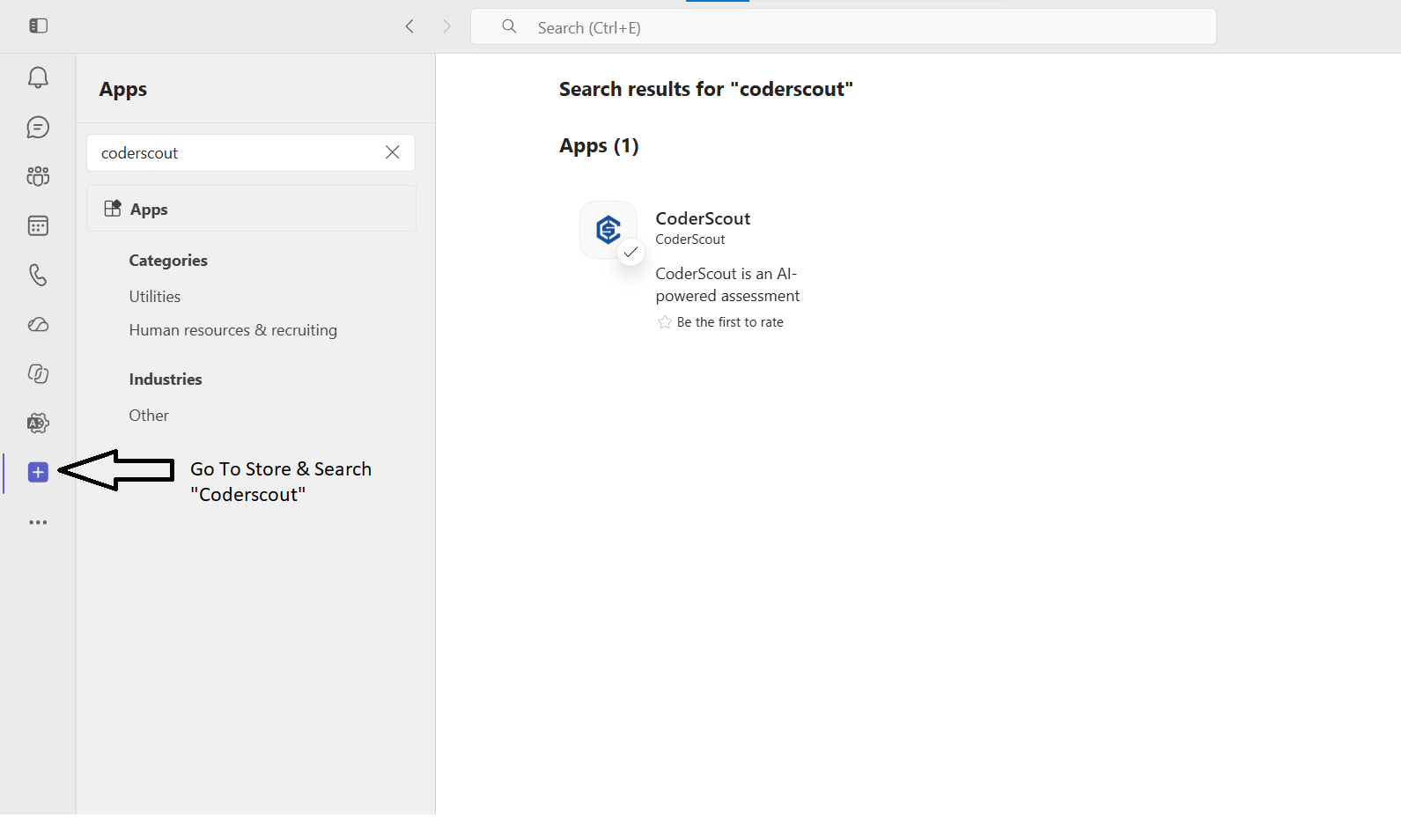
1. Install the app
- Open Microsoft Teams → Apps.
- Search for CoderScout and click Add.
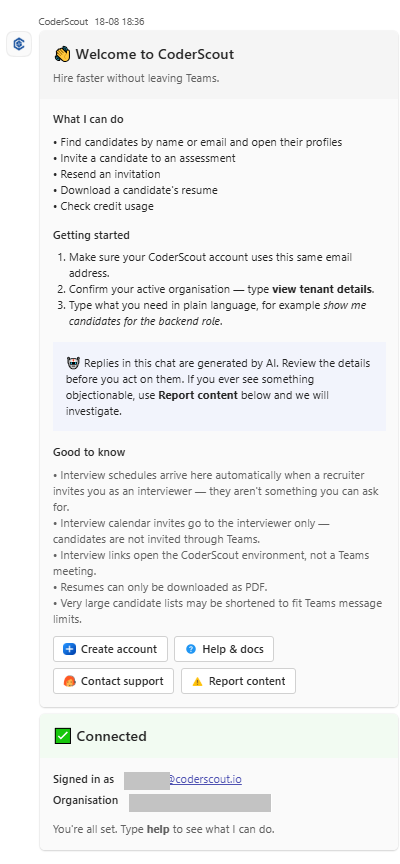
2. Connect or create your account
- Existing user: If your Teams email matches your CoderScout account, the bot connects automatically.
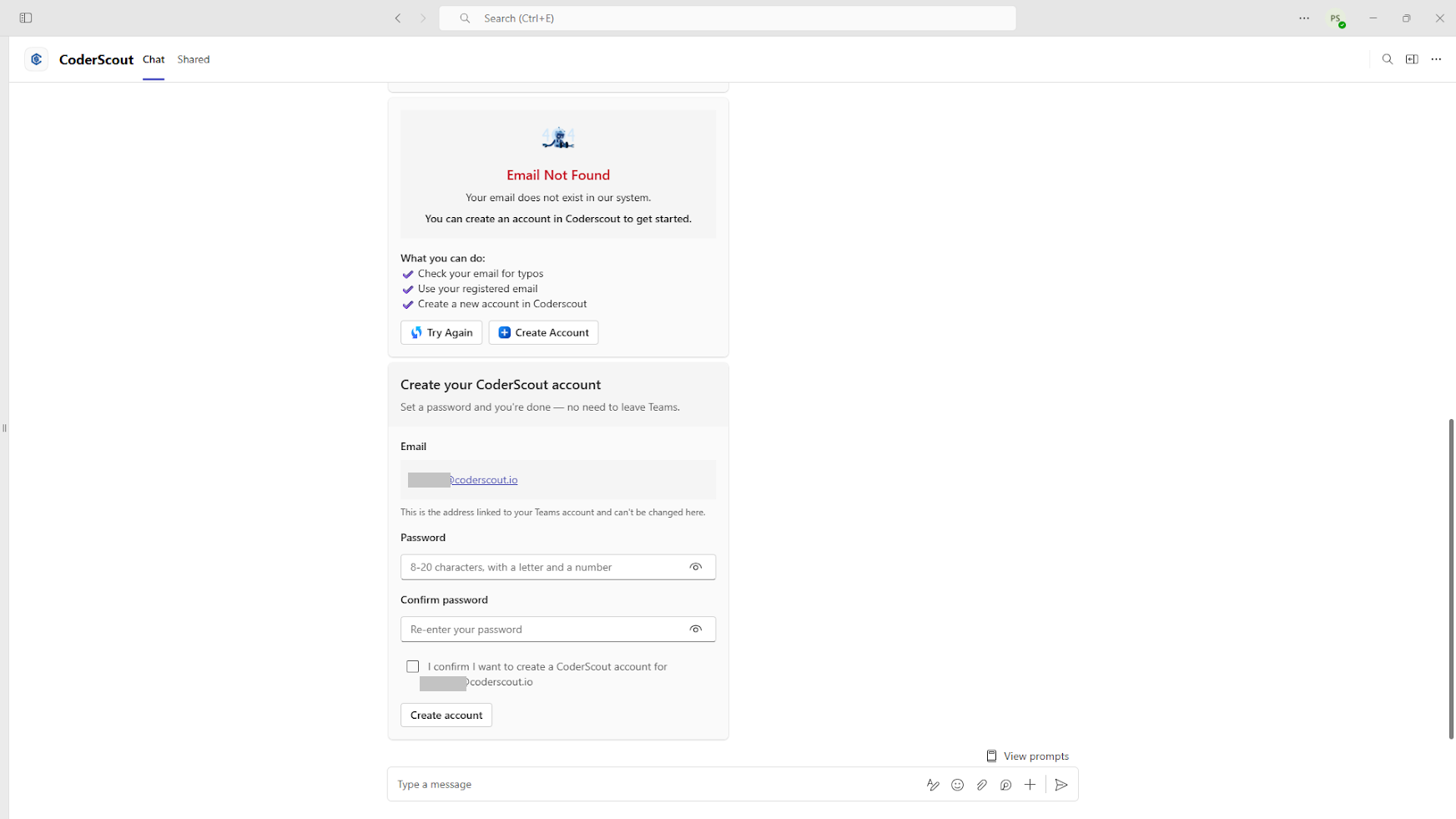
- New user: If your email is not found, click Create Account on the welcome card to register directly within Teams.
Tenant management
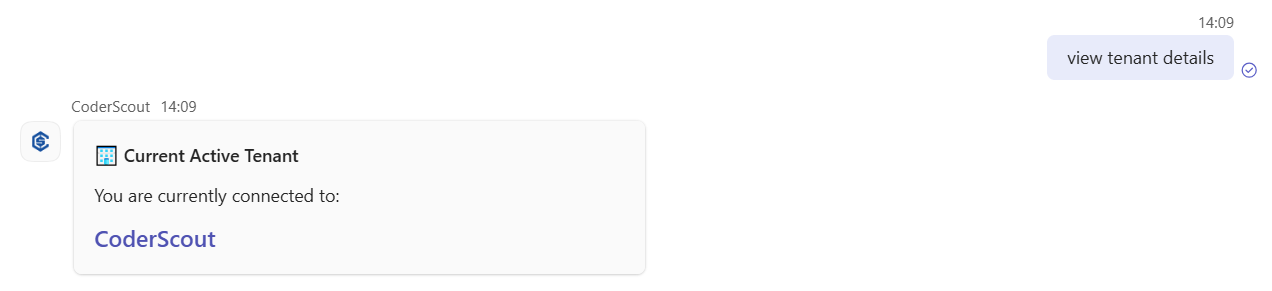
Switch between workspaces or view tenant details directly in chat.
- View tenant details:
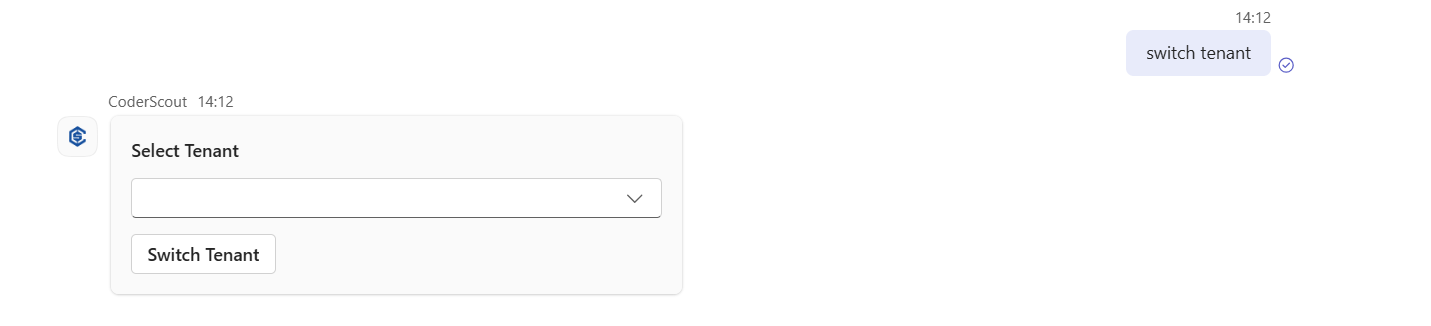
- Switch tenant:
Send
switch tenantand select your active tenant from the bot's interactive list.
Real-time notifications
Recruiter setup
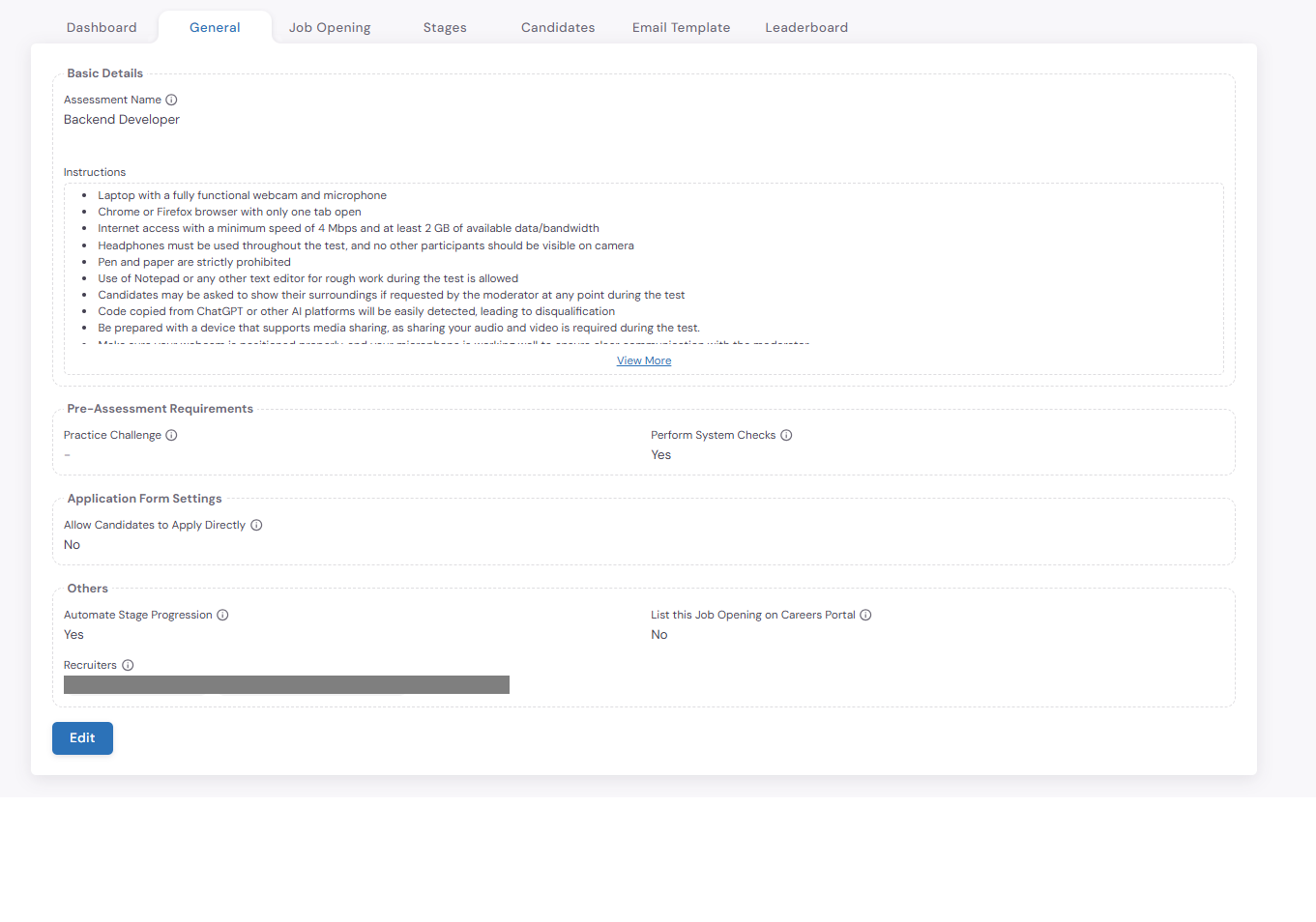
To receive notifications, add your Microsoft Teams email address as a Recruiter in CoderScout:
- Open your assessment in CoderScout → General tab.
- Under Recruiter, add your Teams account email and save.
Supported notifications
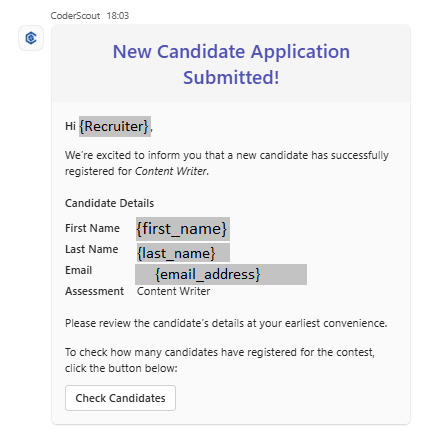
- Application submission: Triggered when a candidate submits an application form.
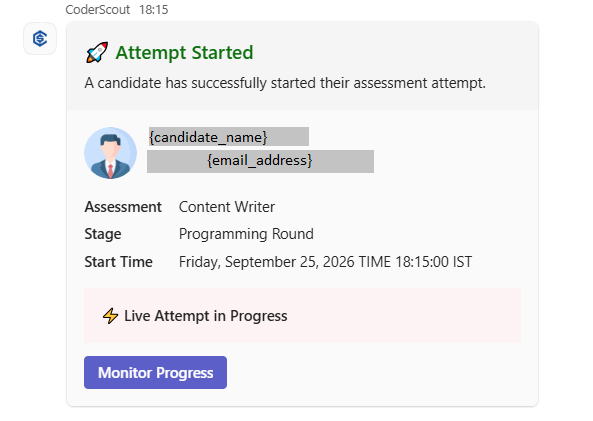
- Attempt start: Triggered when a candidate starts an assessment stage.
- Attempt completion: Triggered when a candidate submits a stage.
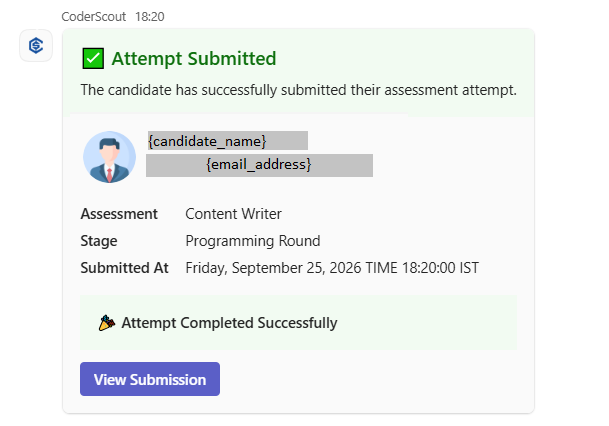
- Interview overview & invitation: Sent to recruiters (overview) and assigned interviewers (invitation) when interviews are scheduled or updated.
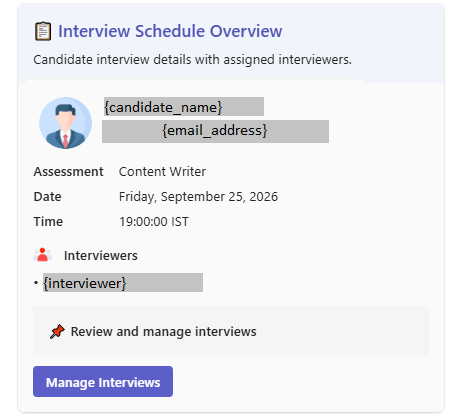
If the assigned interviewer has installed the CoderScout app in Microsoft Teams and connected their account, the scheduled interview will automatically be added to their Microsoft Teams calendar.
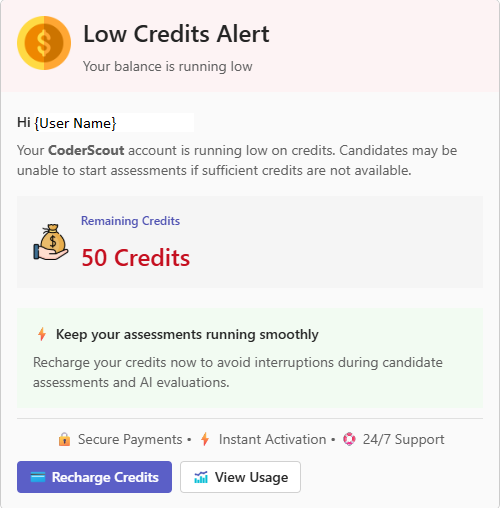
- Low credit notification: Sent automatically in Teams to organization administrators who have connected their CoderScout account when their account credit balance is running low.
AI chatbot & chat actions
Ask natural language questions or execute candidate management commands directly in chat.
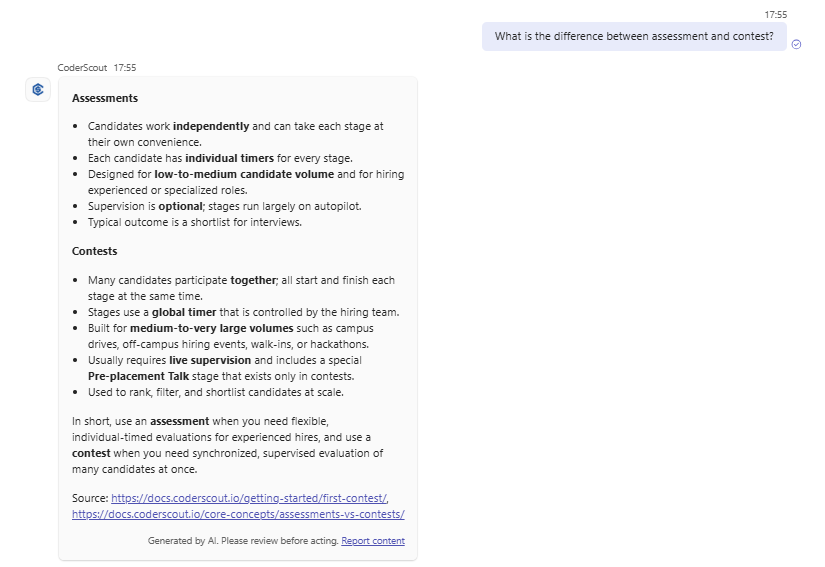
AI questions
Ask questions such as:
"What is my credit usage this month?""What is the difference between a contest and an assessment?""How do I create an assessment?"
Conversational commands
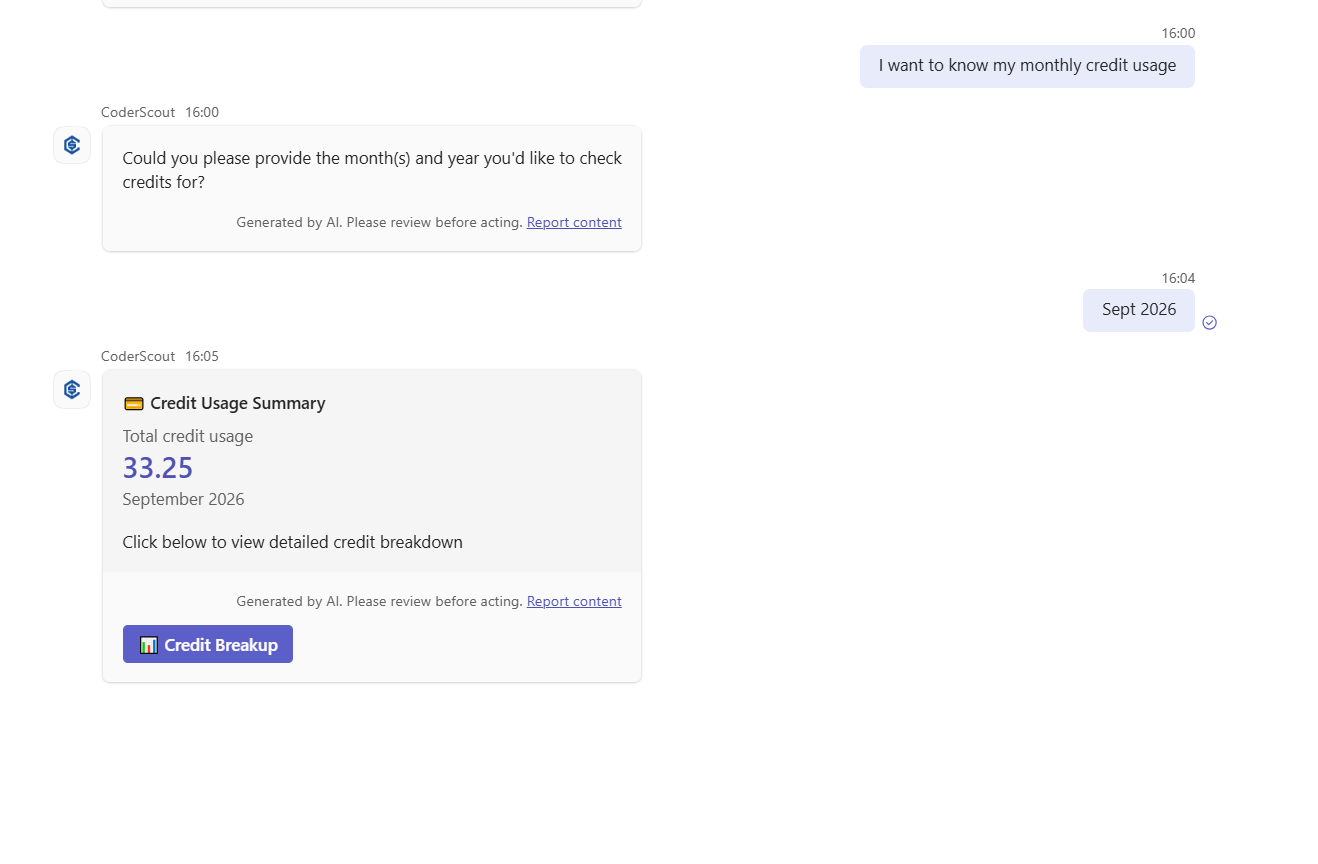
- Check monthly credit usage:
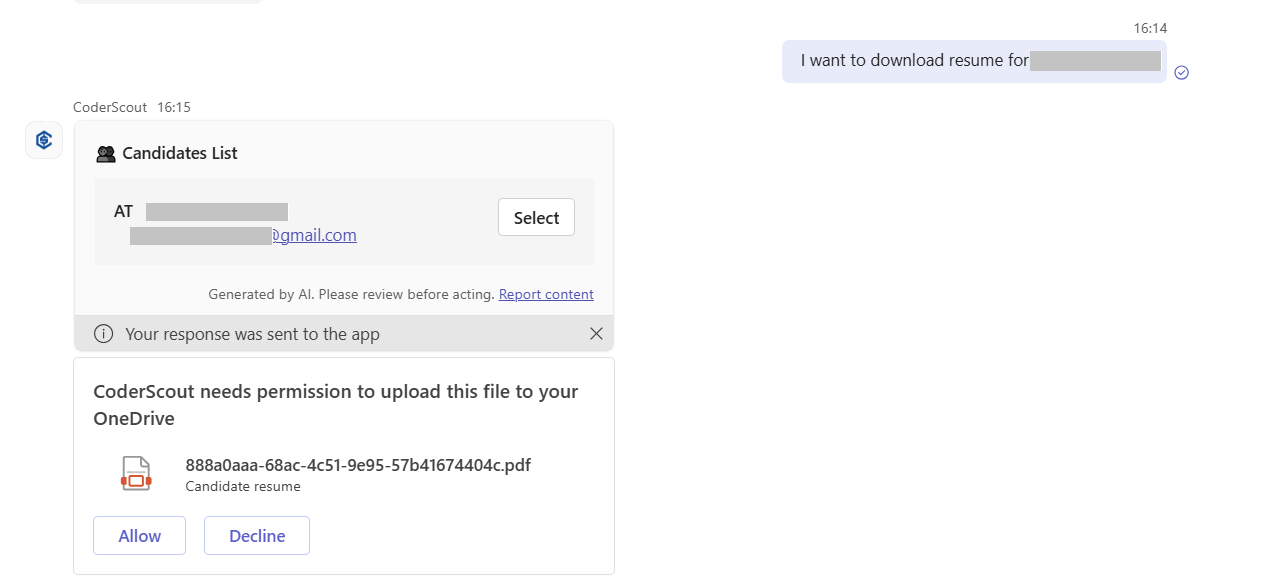
- Download candidate resume:
-
Update media proctoring config: Candidate "Candidate name" is facing issue with webcam or screen-sharing could you please disable their media config"
-
Generate public shareable link: I need candidate "Candidate Name" public sharable report link
-
Invite a candidate: I want to invite candidate "Candidate Name" email "email" and contact "contact info" to the "assessment name" assessment